
Nostalgia asks for less, and gives you more
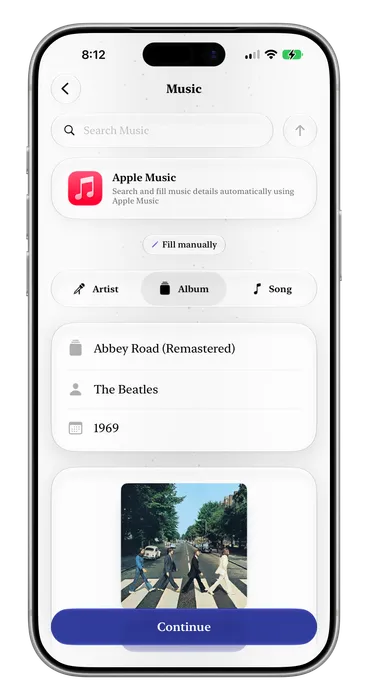
When adding Music, Movies, TV Shows, Books, Apps or YouTube videos, simply search them from Nostalgia and add them right away without filling everything manually.

Not another Photos app, Journal or Social Network. Nostalgia is a private or shared memory keeper for those moments worth remembering.
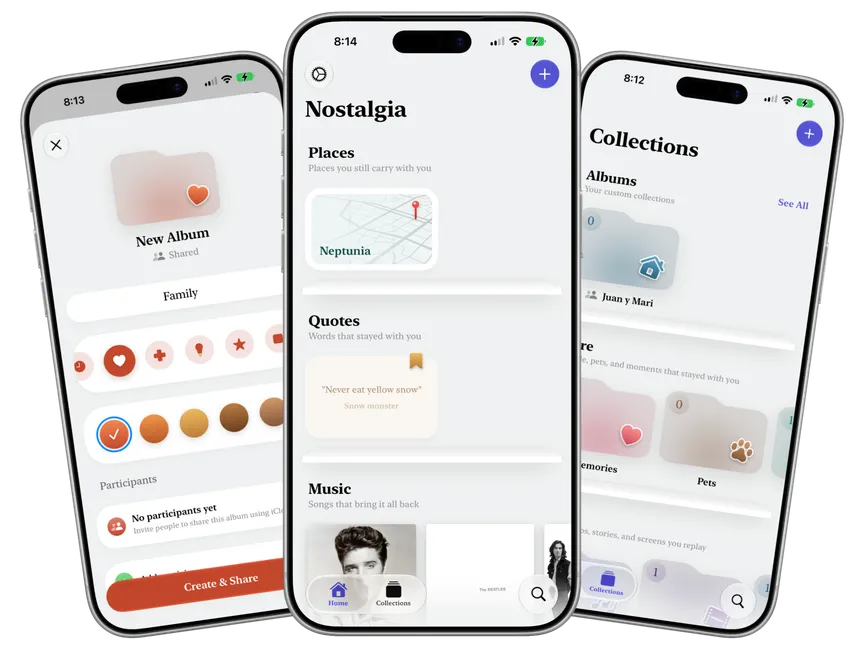
Nostalgia helps you remember and share what makes you nostalgic, whether it is a place, a person, a quote, recepies, your favorite childhood toys, movies, music, or even the smell of the sidewalk in the summer rain.
When adding Music, Movies, TV Shows, Books, Apps or YouTube videos, simply search them from Nostalgia and add them right away without filling everything manually.
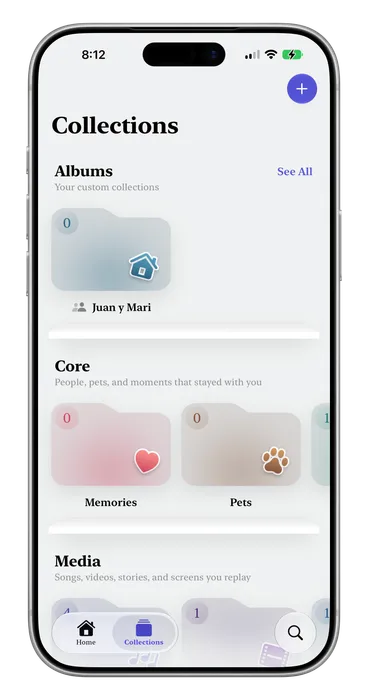
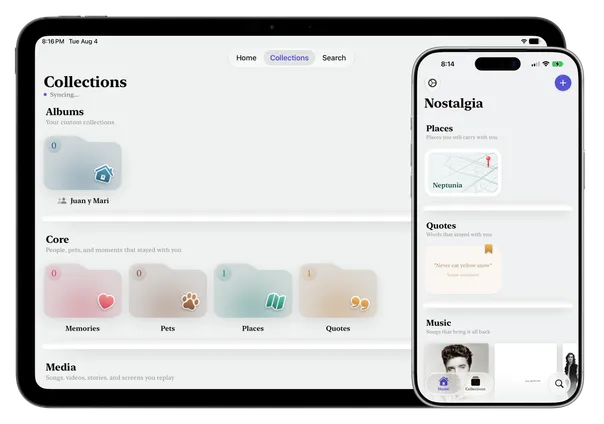
Each category of item automatically belongs to a collection, as well as a decade for better organization, but nobody knows how to sort your memories better than yourself. Nostalgia lets you create personal custom albums where you can organize your items in any way you like, such as by place, era, age, and anything you can think of, your imagination is your limit.
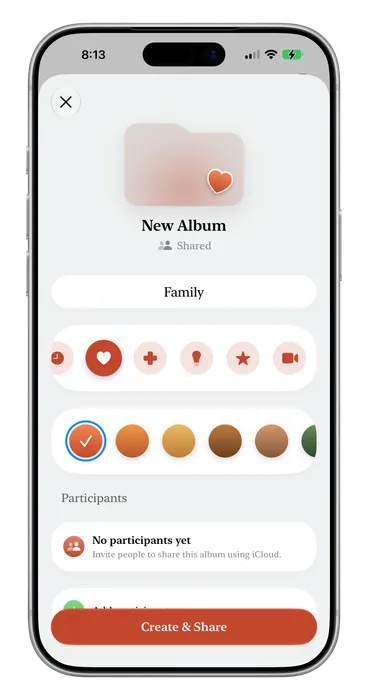
Memories are better when shared with your loved ones, so Nostalgia lets you create shared albums where you or any member can contribute with their own memories, because everyone has something amazing to add to the group.
Your nostalgia items are automatically stored securely and privately in your iCloud, synced and up to date in every device you have. We never access your memories or view them in any way, they are completely yours.
Search for places using Apple Maps.
Call an Uber or Cabify to any saved place.
View every place saved in a map view.
Cook every recipe by following every step and ingredient, like a dedicated recipes app.
Saves the poster, description and cast automatically.
Albums, Songs or Artists added from Apple Music save every field automatically, and redirect you to Apple Music to start listening to them.
Books added to Nostalgia automatically search for the cover, description and author.
When adding Apps, Products, Objects, Brands, Toys and Clothes, Nostalgia looks them up and fills in the data with pictures automatically for you.
Videos can be searched straight from Nostalgia, their details are saved automatically, no need to open the YouTube app to copy a link.
Nostalgia gets you here, but Gold gets you there. Unlock the full experience with Nostalgia Gold.
| Feature | Free | Gold |
|---|---|---|
| Nostalgia Items | Up to 10 | Unlimited |
| Photos per item | Up to 3 | Unlimited |
| Albums | Only 1 | Unlimited |
| Shared Albums | 1 as Admin, 3 as Viewer | Unlimited |
| Request Features | Not included | Included |
| Add Movies, Shows, Books and Music from Internet | Not included | Unlimited |
Monthly
$2.99
Per month
7 day free trial.
Yearly
$29.99
Per year
Save 16% against monthly.
Lifetime
Best value$59.99
One time purchase
Pay once. Yours for good.
Prices in USD. All purchases are handled through the App Store.
Your entries are stored on your own iCloud account using end-to-end encryption.
No. Nostalgia works fully offline from the moment you open it. There is no sign-up, no email required, and no profile.
The app is free to use for limited entries and albums. Nostalgia Gold unlocks the full app experience without limits. You can subscribe monthly or yearly, or pay once for a lifetime license. All purchases are handled through the App Store.
Nostalgia currently supports iPhone and iPad running iOS 26 or later. Apple TV and Mac versions are in progress.
Your past is as important as your future. Keep your memories safe, shared and beautiful with Nostalgia.
Nostalgia for iOSFree to download · No account · iOS 26 or later